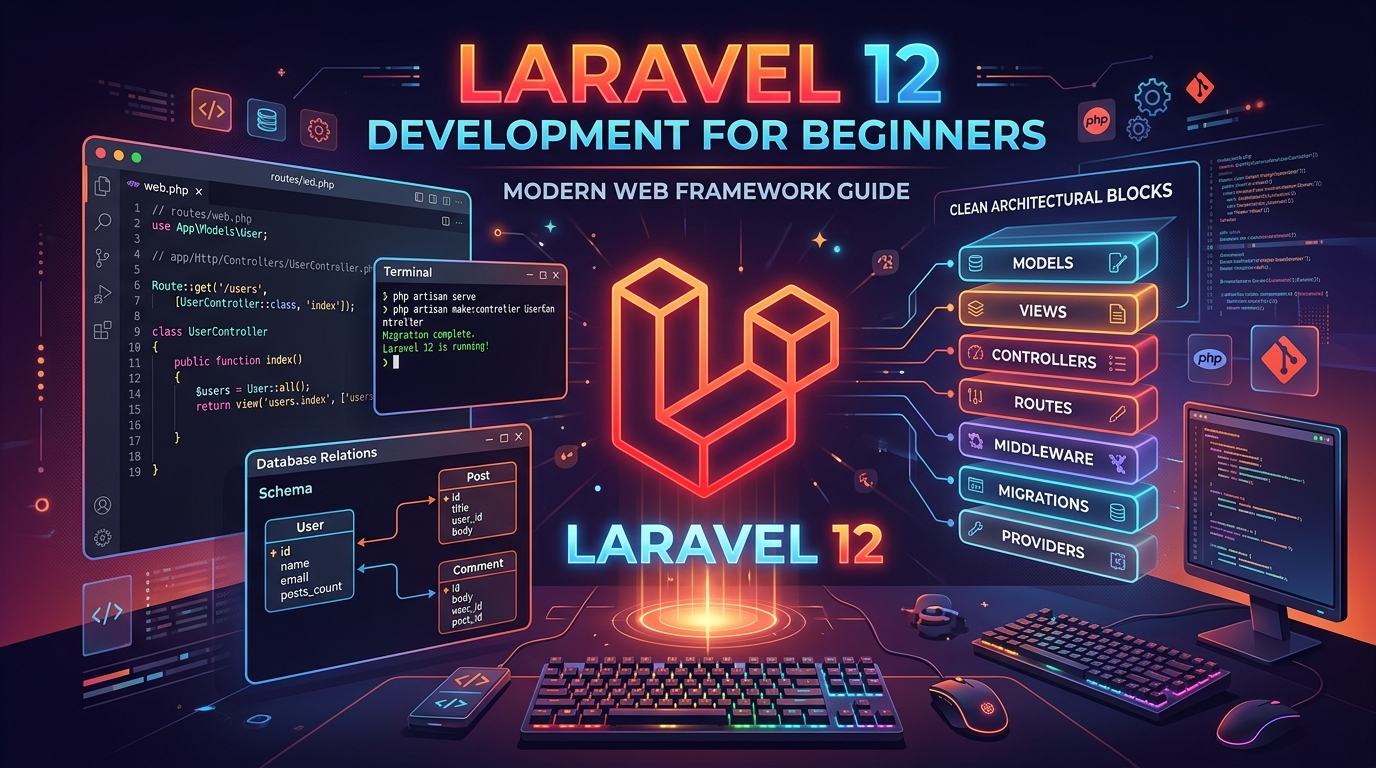
Laravel is widely celebrated as the most expressive, elegant, and productive PHP web framework in modern software engineering. With the arrival of Laravel 12, the framework has become even leaner, faster, and more developer-friendly than ever before.
If you are coming to Laravel for the first time—whether from plain PHP, Node.js, Python, or another framework—the ecosystem can initially feel overwhelming with its vast array of features. In this guide, we demystify the core architecture of Laravel 12 and walk through the fundamental building blocks every beginner needs to build real-world web applications: Directory Structure, Routing & Middleware, Controllers, Blade Templating, and Eloquent ORM.
1. The Lean Modern Laravel 12 Architecture
Modern Laravel has eliminated bloated configuration trees and boilerplate files. In Laravel 12, application routing, middleware configuration, and exception handling are centralized in a unified entry point: bootstrap/app.php.
| Directory | Purpose |
|---|---|
app/Models |
Eloquent database models and business domain logic |
app/Http/Controllers |
Request handling, validation coordination, and response generation |
routes/web.php |
Web routes with session state and CSRF protection |
resources/views |
Blade frontend templates and layout components |
database/migrations |
Database schema blueprints under version control |
2. Routing and the HTTP Request Lifecycle
All HTTP endpoints for your browser users live inside routes/web.php. Laravel's router is fluent and readable:
<?php

use App\Http\Controllers\ArticleController;
use Illuminate\Support\Facades\Route;

// Basic Closure Route
Route::get('/', function () {
    return view('welcome');
})->name('home');

// Controller Action Route
Route::get('/articles', [ArticleController::class, 'index'])->name('articles.index');
Route::get('/articles/{slug}', [ArticleController::class, 'show'])->name('articles.show');
Route::post('/articles', [ArticleController::class, 'store'])->name('articles.store');
Every named route allows you to generate URLs dynamically in templates using route('articles.show', $article->slug), preventing hardcoded broken links across your codebase.
3. Controllers & Type-Safe Request Handling
Controllers organize your application's request-handling logic. Generate a new controller instantly with the Artisan CLI:
php artisan make:controller ArticleController
Inside the controller, inject dependencies, validate incoming user input, interact with your models, and return a view or JSON response:
<?php

namespace App\Http\Controllers;

use App\Models\Article;
use Illuminate\Http\Request;
use Illuminate\View\View;

class ArticleController extends Controller
{
    /**
     * Display a list of published articles.
     */
    public function index(): View
    {
        $articles = Article::published()
            ->with('author')
            ->latest()
            ->paginate(10);

        return view('articles.index', [
            'articles' => $articles,
        ]);
    }

    /**
     * Display a single article by its slug.
     */
    public function show(string $slug): View
    {
        $article = Article::where('slug', $slug)->firstOrFail();

        return view('articles.show', [
            'article' => $article,
        ]);
    }
}
4. Blade Templating: Clean, Component-Driven UI
Blade is Laravel’s lightweight templating engine. Unlike raw PHP, Blade compiles templates into cached PHP files with zero runtime overhead.
Master Layout (resources/views/layouts/app.blade.php)
<!DOCTYPE html>
<html lang="en">
<head>
    <meta charset="UTF-8">
    <title>@yield('title', 'My Laravel App')</title>
    @vite(['resources/css/app.css', 'resources/js/app.js'])
</head>
<body class="bg-slate-50 text-slate-900">
    <nav class="bg-white shadow-sm p-4">
        <a href="{{ route('home') }}" class="font-bold text-emerald-600">MyDevApp</a>
    </nav>

    <main class="container mx-auto px-4 py-8">
        @yield('content')
    </main>
</body>
</html>
Child View (resources/views/articles/index.blade.php)
@extends('layouts.app')

@section('title', 'Latest Articles')

@section('content')
    <h1 class="text-2xl font-bold mb-6">Recent Publications</h1>

    <div class="grid grid-cols-1 md:grid-cols-2 gap-6">
        @forelse ($articles as $article)
            <article class="p-6 bg-white rounded-xl shadow-xs border border-slate-100">
                <h2 class="text-lg font-semibold hover:text-emerald-600">
                    <a href="{{ route('articles.show', $article->slug) }}">{{ $article->title }}</a>
                </h2>
                <p class="text-slate-600 mt-2 text-sm">{{ $article->excerpt }}</p>
            </article>
        @empty
            <p class="text-slate-500">No articles published yet.</p>
        @endforelse
    </div>

    <div class="mt-6">
        {{ $articles->links() }}
    </div>
@endsection
5. Database Migrations & Eloquent ORM
Eloquent is Laravel's Object-Relational Mapper (ORM). Every database table corresponds to an Eloquent Model class.
Generate a Model, Migration, and Resource Controller simultaneously with a single command:
php artisan make:model Article -mcr
Defining a Schema Migration (database/migrations/..._create_articles_table.php)
Schema::create('articles', function (Blueprint $table) {
    $table->id();
    $table->foreignId('user_id')->constrained()->cascadeOnDelete();
    $table->string('title');
    $table->string('slug')->unique();
    $table->text('excerpt')->nullable();
    $table->longText('content');
    $table->enum('status', ['draft', 'published'])->default('draft');
    $table->timestamp('published_at')->nullable();
    $table->timestamps();
});
Execute your migrations to create the database tables:
php artisan migrate
Building the Eloquent Model (app/Models/Article.php)
<?php

namespace App\Models;

use Illuminate\Database\Eloquent\Builder;
use Illuminate\Database\Eloquent\Model;
use Illuminate\Database\Eloquent\Relations\BelongsTo;

class Article extends Model
{
    protected $fillable = [
        'user_id',
        'title',
        'slug',
        'excerpt',
        'content',
        'status',
        'published_at',
    ];

    /**
     * Relationship: An article belongs to an author.
     */
    public function author(): BelongsTo
    {
        return $this->belongsTo(User::class, 'user_id');
    }

    /**
     * Local Query Scope: Filter only published articles.
     */
    public function scopePublished(Builder $query): Builder
    {
        return $query->where('status', 'published')
            ->whereNotNull('published_at');
    }
}
6. Essential Artisan Commands for Everyday Development
| Artisan Command | Description |
|---|---|
php artisan serve |
Start the local development web server at http://localhost:8000 |
php artisan tinker |
Interactive REPL shell to test queries and execute code live |
php artisan route:list |
Inspect all registered HTTP routes, names, and middleware |
php artisan migrate:status |
View the batch execution status of all database migrations |
Next Steps on Your Laravel Journey
Now that you understand the core flow of Route → Controller → Eloquent Model → Blade View, you are ready to explore deeper Laravel ecosystems:
- Authentication: Explore Laravel Breeze or starter kits for session and API authentication.
- Form Requests: Dedicated request classes for clean, reusable validation logic.
- Queues & Jobs: Asynchronous background task execution with Redis and database drivers.
- Automated Testing: Write unit and feature test suites effortlessly using Pest or PHPUnit.