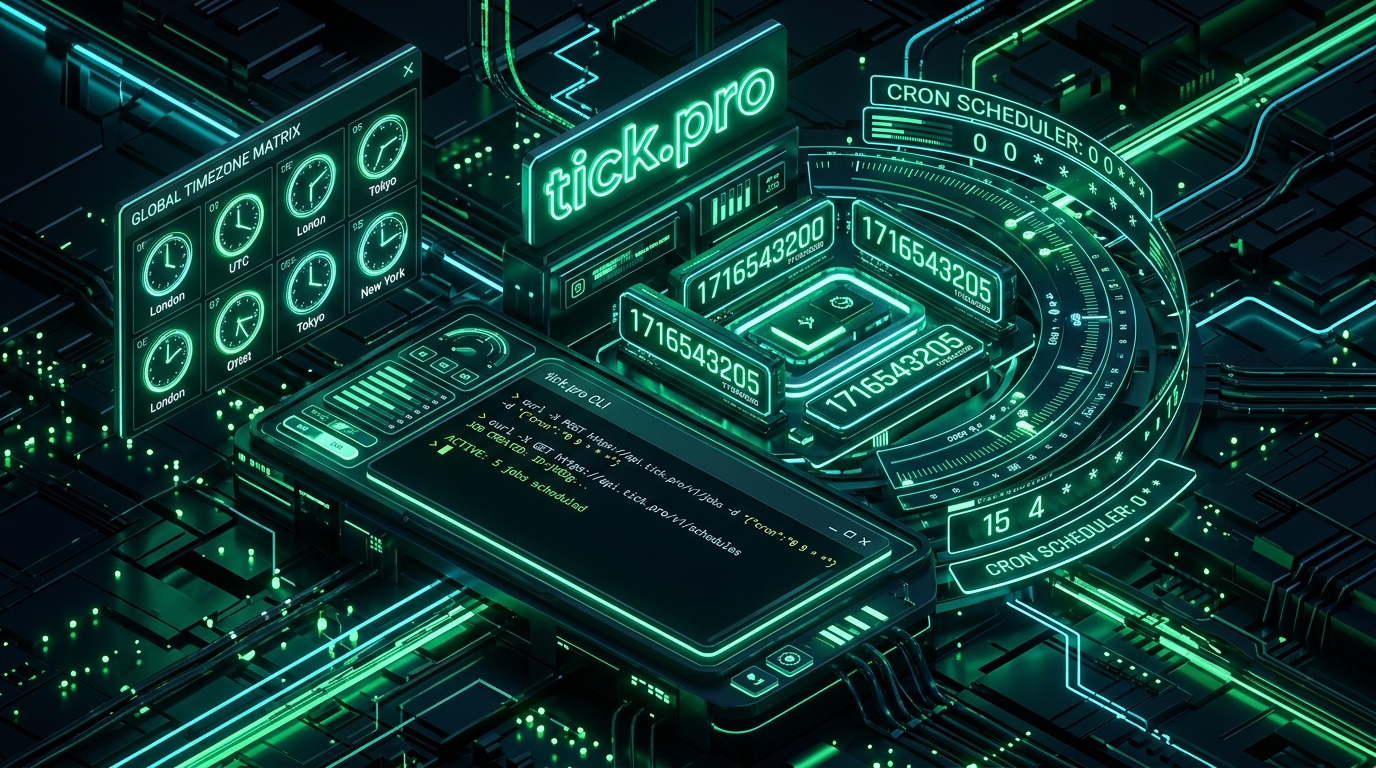
Every software engineer, DevOps professional, and backend architect deals with the complexities of time on a daily basis. Whether it is decoding raw Unix epoch timestamps in distributed log streams, validating complex cron schedules in Kubernetes and GitHub Actions, reconciling timezone offsets across global remote teams, or converting between ISO 8601 and SQL datetime formats, time is an unavoidable dimension in modern computing.
Yet, the tools developers typically rely on for these tasks are notoriously frustrating. Traditional web utilities are cluttered with invasive banner ads, laden with third-party tracking scripts, slow to load, and designed around tedious mouse clicks rather than fast developer workflows.
Enter tick.pro: a fast, keyboard-driven, privacy-respecting developer toolkit designed specifically for timestamps, cron intelligence, timezone conversions, and date formatting. Built with a sleek obsidian aesthetic, instant search palettes, and native terminal (curl) support, tick.pro re-imagines what a modern developer utility should be.
flowchart TD
    subgraph tick.pro Developer Ecosystem
        T1["⏰ Time & Epoch
• Live Epoch Counter
• Millisecond Duration
• Boundary Calculators"]
        T2["📅 Cron Intelligence
• Visual Builder & Parser
• Plain-English Humanizer
• K8s & GitHub Actions Exporter"]
        T3["🌍 Timezones
• 400+ IANA Zones
• Multi-City World Clock
• DST Offset Transitions"]
        T4["📄 Date Formats
• ISO 8601 & RFC 3339
• SQL DateTime Reference
• strftime & Language Cheatsheets"]
        T5["💻 Terminal First
• curl tick.pro/now
• Plain-Text CLI Responses
• Zero Install Required"]
    end

    style T1 fill:#0284c7,stroke:#38bdf8,color:#fff
    style T2 fill:#059669,stroke:#6ee7b7,color:#fff
    style T3 fill:#7c3aed,stroke:#c084fc,color:#fff
    style T4 fill:#f59e0b,stroke:#fcd34d,color:#fff
    style T5 fill:#10b981,stroke:#34d399,color:#fff
1. Time & Epoch Intelligence: Beyond Basic Timestamp Conversion
At the top of tick.pro, developers are greeted with a real-time synchronized atomic clock showing UTC time, Unix Epoch in seconds, and Unix Epoch in milliseconds.
| Capability | Description | Why Developers Need It |
|---|---|---|
| Epoch Converter | Instant bi-directional conversion between Unix seconds/milliseconds and human dates. | Instantly translate numeric timestamps from Kafka, Redis, or database rows. |
| Boundary Calculator | Generates exact timestamps for start/end of day, week, month, and year. | Crucial for writing SQL date range filtering and partition queries. |
| Duration & Differences | Computes millisecond-precise intervals, elapsed working days, and date arithmetic. | Profiling API latency benchmarks and calculating SLA durations. |
2. Cron Intelligence: Parser, Builder & Exporter
Cron syntax is notoriously error-prone. A misplaced asterisk or subtle difference between standard 5-field cron, 6-field Quartz, and Kubernetes CronJob syntax can cause scheduled jobs to fire at unexpected times or miss critical maintenance windows.
tick.pro's Cron Intelligence Suite solves this through interactive visual tooling:
- Expression Builder & Parser: Color-coded breakdown of each cron segment (Minute, Hour, Day-of-Month, Month, Day-of-Week).
- Cron Humanizer: Translates cryptic expressions like
0 9 * * 1-5into natural language: "At 09:00 AM, Monday through Friday". - Natural Language to Cron: Type English phrases like "every 15 minutes during business hours" to generate the exact cron syntax automatically.
- Execution Countdown & Next Runs: Displays the exact next 5 execution timestamps in UTC with real-time countdown timers.
- Schedule Collision Detector: Compare two cron expressions side-by-side to detect resource contention and overlapping jobs.
- Export to Kubernetes & GitHub Actions: Generates ready-to-use
cronjob.yamlmanifests and GitHub Actions.github/workflowsschedule triggers with a single click.
flowchart LR
    Input["Natural Input: 'Weekdays at 9am'"] --> Parse["tick.pro Cron Engine"]
    Parse --> Exp["0 9 * * 1-5"]
    Parse --> Human["'At 09:00 AM, Monday through Friday'"]
    Parse --> Runs["Next Run: 2026-09-28 09:00 UTC"]
    Parse --> Export["Export: Kubernetes YAML / GitHub Actions"]

    style Input fill:#0284c7,stroke:#38bdf8,color:#fff
    style Parse fill:#7c3aed,stroke:#c084fc,color:#fff
    style Exp fill:#059669,stroke:#6ee7b7,color:#fff
    style Human fill:#059669,stroke:#6ee7b7,color:#fff
    style Runs fill:#10b981,stroke:#34d399,color:#fff
    style Export fill:#f59e0b,stroke:#fcd34d,color:#fff
3. Timezone Matrix & World Clock
Coordinating across distributed teams requires understanding how Daylight Saving Time (DST) alters offsets between EST, PST, GMT, BST, IST, and UTC. tick.pro's Timezone suite provides:
- 400+ IANA Timezones: Up-to-date Olson database mapping with live UTC offset calculations.
- UTC to World Matrix: View the current UTC moment projected across all major world tech hubs in a single, unified grid.
- DST Transition Awareness: Accurately predicts upcoming daylight saving time shifts to avoid meeting scheduling mishaps and pipeline misfires.
4. Developer Standards & Date Format Cheat Sheets
Every language handles date formatting differently. tick.pro provides comprehensive format cheat sheets covering:
- Standard Specifications: ISO 8601 (
YYYY-MM-DDTHH:mm:ss.sssZ), RFC 3339, SQL DateTime (MySQL vs. PostgreSQL vs. SQLite formats). - Language Directives: Complete references for C/Python
strftimedirectives (%Y-%m-%d %H:%M:%S), Go's reference time layout (2006-01-02 15:04:05), and modern JavaScriptIntl.DateTimeFormat. - JSON Date Handling: Best practices for serializing timestamps across REST and GraphQL APIs.
5. Terminal-First CLI Superpower: curl tick.pro
The hallmark of a great developer tool is that you do not even need to leave your terminal. Every tool on tick.pro is accessible via plain curl requests:
Get Current UTC & Epoch Timestamps
$ curl https://tick.pro/now
TICK.PRO — Current Time & Epoch
----------------------------------------
UTC:         2026-09-26T10:38:22.357Z
Epoch (s):   1790419102
Epoch (ms):  1790419102357
ISO 8601:    2026-09-26T10:38:22.357Z
RFC 3339:    2026-09-26T10:38:22+00:00
SQL:         2026-09-26 10:38:22
Inspect Any Cron Expression
$ curl https://tick.pro/cron/every-5-minutes
TICK.PRO — Cron Schedule Intelligence
----------------------------------------
Schedule:    Every 5 Minutes
Expression:  */5 * * * *
Human:       At every 5 minutes

Upcoming 3 Executions (UTC):
  1. 2026-09-26 10:40:00 UTC (in 2m)
  2. 2026-09-26 10:45:00 UTC (in 7m)
  3. 2026-09-26 10:50:00 UTC (in 12m)
This terminal integration makes tick.pro an invaluable asset for bash scripts, debugging sessions, and CI/CD pipelines.
6. Keyboard-Driven UX: Built for Productivity
tick.pro is designed to be operated entirely from the keyboard:
- Command Palette (⌘K / Ctrl+K): Pressing ⌘K instantly opens a fuzzy search menu allowing you to jump to any converter, parser, calculator, or timezone tool in milliseconds.
- Zero Tracking & Zero Ads: No cookies, no third-party tracking pixels, no advertising banners, and no account registration required.
- Instant Client-Side Computation: Computations execute client-side with zero latency, ensuring sensitive timestamps and schedules never leave your browser.
Summary: Why tick.pro Belongs in Your Developer Toolkit
| Feature | Traditional Web Time Tools | tick.pro |
|---|---|---|
| Speed & Latency | Slow, heavy server-rendered pages | Instant, client-side execution |
| Terminal / CLI Access | None (Browser only) | Full curl plain-text support |
| Navigation | Mouse clicks & dropdowns | ⌘K Command Palette navigation |
| Privacy & Ads | Ad-supported with trackers | 100% Free, No Ads, No Tracking |
| Cron Exports | Text string only | Export to Kubernetes & GitHub Actions |
If you regularly work with timestamps, scheduled tasks, or timezones, bookmark tick.pro and add alias now="curl -s https://tick.pro/now" to your .bashrc or .zshrc.