Before a single line of code is written, before database schemas are migrated, and before design teams open multi-gigabyte collaborative design suites, every great software architecture begins with a rough napkin sketch. There is an irreplaceable moment where an idea is just a tentative shape, a box with a few connecting arrows, or a handwritten formula.
Yet, modern digital whiteboards have gradually fallen victim to feature bloat: mandatory logins, team workspaces, paywalls, cluttered toolbars, and sluggish multi-second load times. When you just need 10 seconds to sketch a service boundary or brainstorm a feature name, heavyweight tools get in the way of thought.
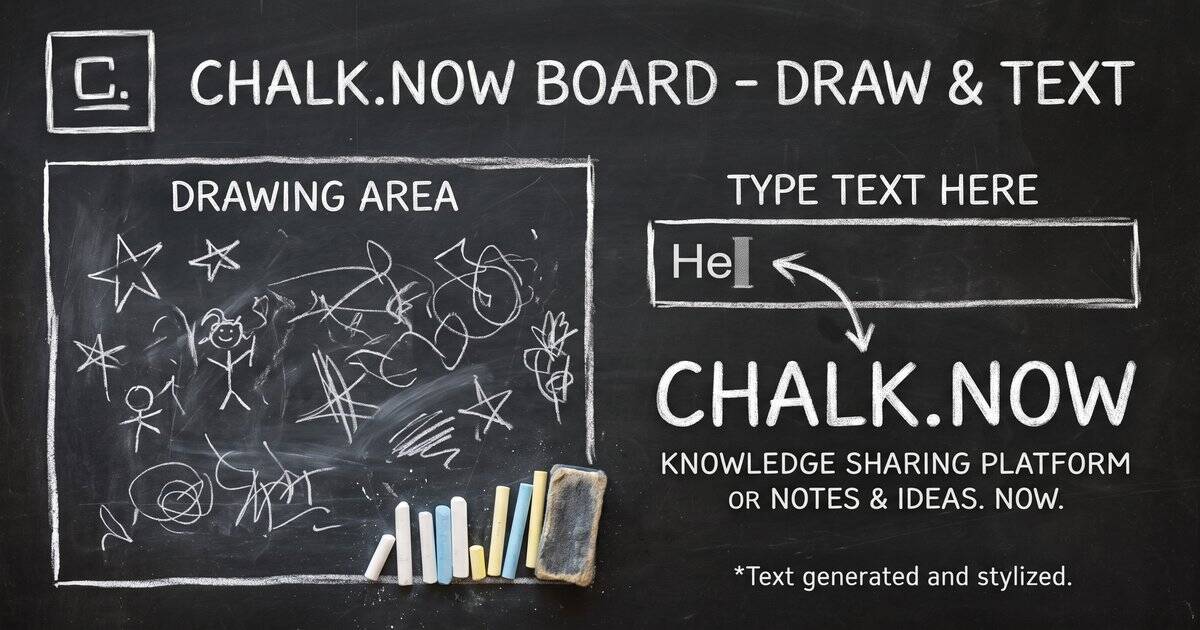
That is why chalk.now was built. Guided by the philosophy that "Ideas don't need permission. They need a surface," chalk.now provides a zero-friction, browser-native chalkboard for sketching ideas, drawing, and crafting authentic chalk lettering—instantly, with no sign-ups and no downloads.
The Philosophy: Why Raw & Impermanent Mediums Foster Better Architecture
Polished vector drawing tools can ironically stifle early-stage creative exploration. When lines are mathematically straight and snap to an invisible grid, engineers tend to focus on visual symmetry rather than architectural correctness. Low-fidelity sketching on a chalkboard encourages rapid iteration because:
| Dimension | Heavy Collaborative Whiteboards | chalk.now Digital Chalkboard |
|---|---|---|
| Time to First Mark | 15 – 45 seconds (Login, workspace selection, loading assets) | < 1 second (Instant DOM paint) |
| Account Requirement | Mandatory OAuth / Email verification | Zero sign-up; 100% client-side privacy |
| Aesthetic & Feel | Sterile corporate vectors | Organic chalk strokes, porous grain, and dust particles |
| Export Flexibility | Proprietary links or watermarked PDFs | Instant Transparent PNG or Chalkboard Canvas downloads |
Under the Hood: Engineering Authentic Chalk Physics on the Web
Creating a realistic chalk rendering experience in a lightweight web app requires overcoming the flat, plastic look of standard HTML5 canvas.getContext('2d') strokes. chalk.now accomplishes this using three procedural techniques:
1. Procedural Noise & SVG Displacement Maps
To simulate the micro-roughness of slate blackboard stone, the surface uses real-time SVG fractal noise filters:
<!-- Procedural Chalkboard Grain Displacement Filter -->
<svg style="position:absolute;width:0;height:0" aria-hidden="true">
  <defs>
    <filter id="chalk">
      <feTurbulence type="fractalNoise" baseFrequency="0.65" numOctaves="3" seed="2" stitchTiles="stitch" result="noise"/>
      <feDisplacementMap in="SourceGraphic" in2="noise" scale="1.5" xChannelSelector="R" yChannelSelector="G"/>
    </filter>
  </defs>
</svg>
2. Multi-Sample Particle Stroke Dispersal
When drawing a line on chalk.now, the engine doesn't just connect two coordinates with a solid line. Instead, it interpolates the vector distance into randomized micro-particles with randomized radii and alpha transparency, mimicking the friction of a chalk stick breaking across slate:
// Procedural Chalk Stroke Dispersal Algorithm
function chalkStroke(ctx, x1, y1, x2, y2, color) {
  const dist = Math.hypot(x2 - x1, y2 - y1);
  const steps = Math.max(Math.floor(dist / 2), 1);

  for (let i = 0; i <= steps; i++) {
    const t = i / steps;
    const x = x1 + (x2 - x1) * t + (Math.random() - 0.5) * 1.5;
    const y = y1 + (y2 - y1) * t + (Math.random() - 0.5) * 1.5;
    const size = 1.5 + Math.random() * 2;
    const alpha = 0.3 + Math.random() * 0.5;

    ctx.globalAlpha = alpha;
    ctx.fillStyle = color;
    ctx.beginPath();
    ctx.arc(x, y, size, 0, Math.PI * 2);
    ctx.fill();
  }
}
Core Creative Tools on chalk.now
chalk.now organizes its capabilities into focused, distraction-free surfaces:
1. The Interactive Sketching Canvas
- Authentic Color Swatches: Includes classic classroom tones: Chalk White (
#f5f0e6), Terracotta Clay (#c47a5a), Ochre Yellow (#d4b870), Chalk Blue (#7aafcf), and Sage Green (#7abf8f). - Transparent Background Toggle: Switch between a textured dark slate chalkboard background and an alpha-transparent canvas.
- Instant Image Export: Download high-resolution PNGs directly to your machine with a single click.
2. The Chalk Lettering & Typography Generator
Need a rustic, hand-lettered chalk title for a blog header, social media card, or presentation slide? The Chalk Lettering tool lets you type any headline, dynamically scale it up to 120px font sizes, pick your chalk color palette, and export the rendered typography on a transparent background.
Practical Use Cases for Developers & Creators
- Rapid System Architecture Sketching: Map out Redis queues, load balancers, and database replication topologies without wrestling with connector lines.
- Presentation & Documentation Graphics: Create charming, hand-drawn diagrams that stand out from cookie-cutter corporate slide decks.
- Quick Brainstorms & Naming: Jot down ideas, cross out rejected names, and iterate freely without cluttering your persistent file trees.
- Classroom & Technical Tutoring: Explain algorithmic concepts visually during live pair-programming or technical mentoring sessions.
Experience chalk.now Today
The next time you have an architectural idea, a user journey to map, or a creative design to explore, skip the heavyweight tools and head straight to chalk.now. Pick up the chalk and think with your hands!