sz

Sejan

Blog

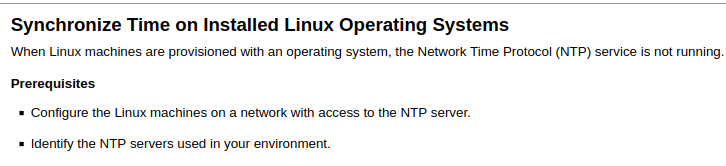
Synchronize Time on Installed Linux Operating Systems

Home › How to › Synchronize Time on Installed Linux Operating Systems
Synchronize Time on Installed Linux Operating Systems

First configure you have to your timezone by running the command on terminal

sudo dpkg-reconfigure tzdata

Then choose your preferred timezone from the prompts

Then run these two following command and you're good.

Working internet connection required

sudo ntpd -qg;
sudo hwclock -w

The following example shown for ubuntu/debian based distros. for other distros system is the same but the command may differ

Comments (2)

Leave a Reply ↓
Utwórz darmowe konto
Utwórz darmowe konto Aug 20, 2026
Your article helped me a lot, is there any more related content? Thanks!
anmäla dig till binance
anmäla dig till binance Aug 20, 2026
Your point of view caught my eye and was very interesting. Thanks. I have a question for you.

Leave a Comment