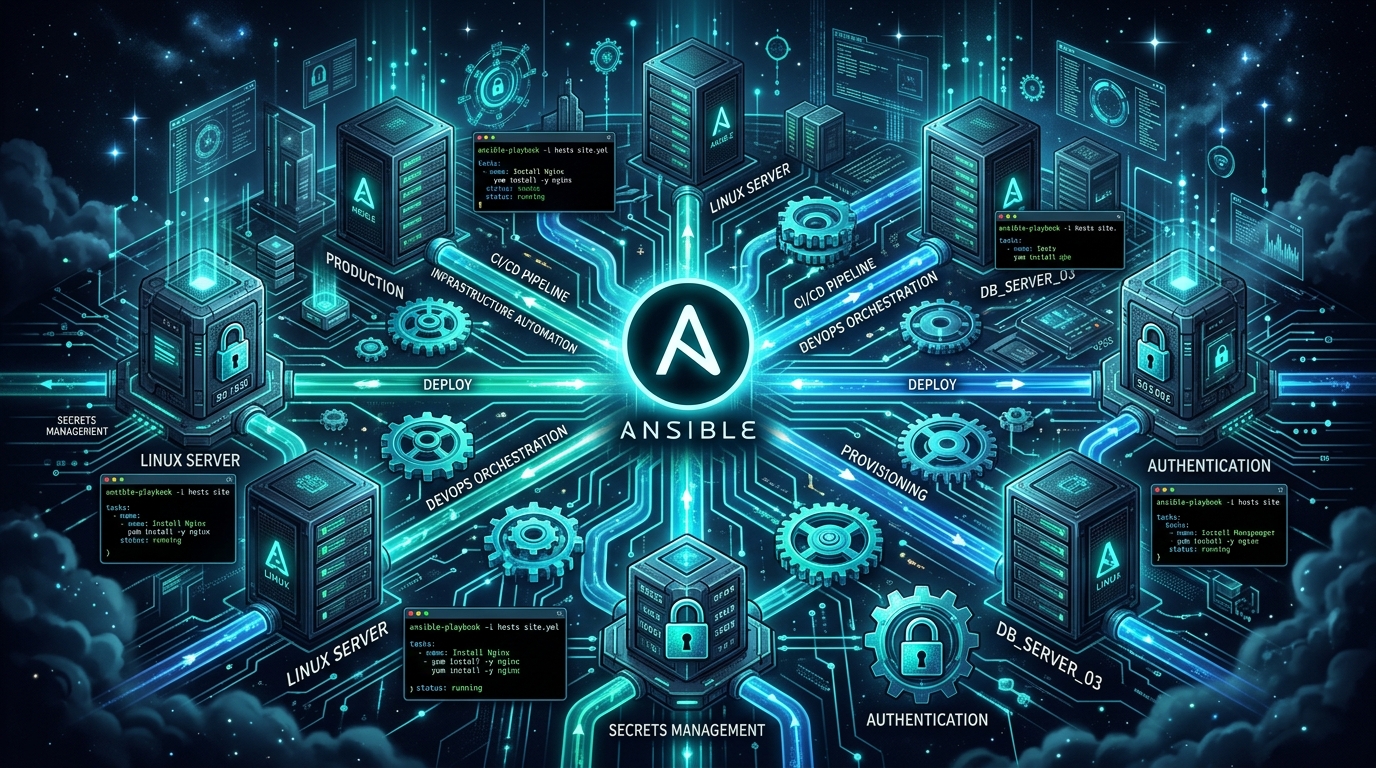
Managing fleets of Linux servers through manual SSH sessions is fragile, error-prone, and fundamentally unscalable. As infrastructure grows, declarative Infrastructure as Code (IaC) is essential to ensure consistent, auditable, and repeatable deployments.
Ansible stands apart in the DevOps ecosystem because of its agentless architecture: it requires no central daemon or client agent installed on remote targets—only standard SSH and Python. In this guide, we walk through building production-grade Ansible automation: establishing idempotent playbooks, structuring modular Ansible Roles, and encrypting sensitive production credentials with Ansible Vault.
1. The Foundation of Idempotency
The core philosophy of Ansible is idempotency: running a playbook once, twice, or a hundred times must produce the exact same system state without unintended side effects or duplicate configurations.
Instead of executing arbitrary shell commands (via the shell or command modules), always use native declarative modules (such as apt, systemd, template, user, and file):
# Bad: Non-idempotent raw shell command
- name: Install Nginx via shell (Anti-pattern)
  shell: apt-get install -y nginx

# Good: Declarative idempotent module
- name: Ensure Nginx is installed and updated
  apt:
    name: nginx
    state: present
    update_cache: yes
2. Production Directory Layout with Ansible Roles
For scalable infrastructure management, structure your repository around reusable Roles rather than giant monolithic YAML files:
ansible-infrastructure/
├── ansible.cfg
├── inventory/
│   ├── production.ini
│   └── staging.ini
├── group_vars/
│   ├── all.yml
│   └── webservers.yml
├── roles/
│   ├── common/
│   │   ├── tasks/main.yml
│   │   └── handlers/main.yml
│   ├── nginx/
│   │   ├── tasks/main.yml
│   │   ├── templates/nginx.conf.j2
│   │   └── handlers/main.yml
│   └── php_fpm/
│       ├── tasks/main.yml
│       └── templates/www.conf.j2
└── site.yml
The Main Playbook (site.yml)
---
- name: Provision and Harden Web Infrastructure
  hosts: webservers
  become: true
  roles:
    - common
    - nginx
    - php_fpm
3. Building Handlers for Smart Daemon Restarts
When modifying configuration files across multiple tasks, you do not want your web server restarting after every single file modification. Ansible Handlers trigger only once at the end of the entire playbook run, and only if a task reported a changed status.
roles/nginx/tasks/main.yml
---
- name: Deploy optimized Nginx main configuration
  template:
    src: nginx.conf.j2
    dest: /etc/nginx/nginx.conf
    owner: root
    group: root
    mode: '0644'
  notify: Reload Nginx

- name: Deploy virtual host configuration
  template:
    src: site.conf.j2
    dest: /etc/nginx/sites-available/sejan.dev.conf
    owner: root
    group: root
    mode: '0644'
  notify: Reload Nginx

- name: Enable virtual host symlink
  file:
    src: /etc/nginx/sites-available/sejan.dev.conf
    dest: /etc/nginx/sites-enabled/sejan.dev.conf
    state: link
  notify: Reload Nginx
roles/nginx/handlers/main.yml
---
- name: Reload Nginx
  service:
    name: nginx
    state: reloaded
4. Managing Secrets Securely with Ansible Vault
Never commit database passwords, private API keys, or SSL certificates in plaintext Git repositories. Ansible Vault provides AES-256 encryption for variable files and strings.
Creating and Encrypting Vault Secrets
# Create an encrypted variable file
ansible-vault create group_vars/webservers/vault.yml

# Edit an existing encrypted file
ansible-vault edit group_vars/webservers/vault.yml
Inside vault.yml, store your sensitive secrets:
vault_db_password: "SuperSecretProductionPassword!#2026"
vault_app_key: "base64:AbCdEfGhIjKlMnOpQrStUvWxYz1234567890="
vault_aws_secret: "wJalrXUtnFEMI/K7MDENG/bPxRfiCYEXAMPLEKEY"
Running Playbooks with Vault
# Prompt for vault password interactively
ansible-playbook -i inventory/production.ini site.yml --ask-vault-pass

# Or supply password via automated secure password file in CI/CD pipelines
ansible-playbook -i inventory/production.ini site.yml --vault-password-file ~/.ansible_vault_pass
5. Safe Execution: Dry-Runs and Linting
Before applying changes to live production fleets, validate syntax and simulate execution using check mode:
# 1. Check YAML syntax
ansible-playbook -i inventory/production.ini site.yml --syntax-check

# 2. Perform a dry-run (Check mode with diff inspection)
ansible-playbook -i inventory/production.ini site.yml --check --diff

# 3. Target specific hosts or tags
ansible-playbook -i inventory/production.ini site.yml --tags "nginx" --limit "web-01"
Summary Checklist for Ansible in Production
- Keep Playbooks Declarative: Avoid
shellmodules whenever a dedicated module exists. - Enforce Role Modularity: Decouple OS setup (
common) from application runtimes. - Vault Every Secret: Keep credentials encrypted at rest in your version control repository.
- Use Handlers: Prevent unnecessary downtime and service flapping during rollout.