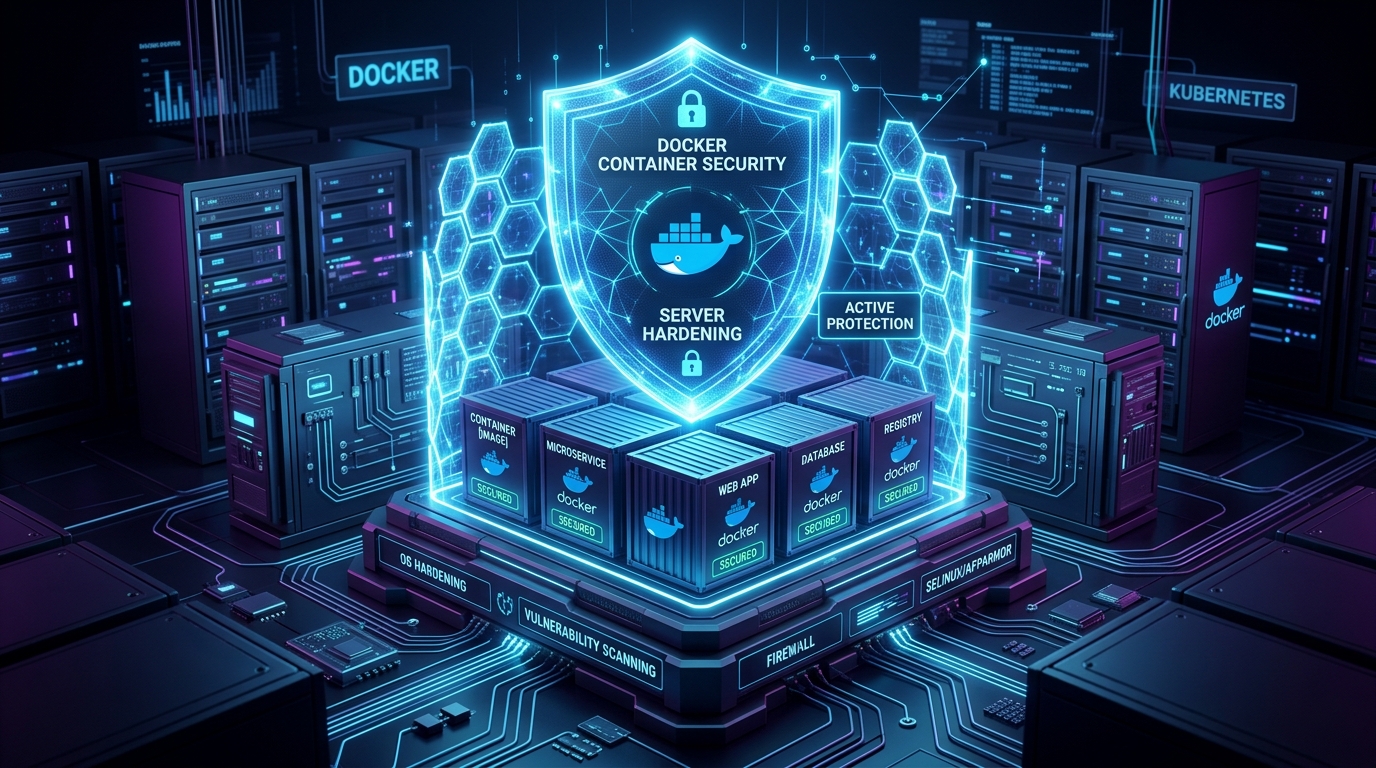
By default, Docker containers run with root privileges, inherit generous Linux kernel capabilities, and share the host kernel directly. If an application vulnerability like Remote Code Execution (RCE) or Local File Inclusion (LFI) is exploited, a containerized attacker can leverage permissive container settings to escape into the host system, access host storage, or compromise adjacent workloads. In this comprehensive guide, we examine production-tested strategies to harden Docker containers, lock down kernel boundaries, minimize attack surfaces, and prevent container breakouts.
1. The Root Problem: Why Containers Run as Root by Default
Unless explicitly configured otherwise, Docker containers execute their processes as user ID 0 (root). While Docker namespaces isolate process trees, network interfaces, and mount tables, UID 0 inside an unhardened container is identical to UID 0 on the host kernel. If an attacker discovers a kernel exploit or accesses a mounted host socket or directory, they immediately obtain full root privileges over the host machine.
Creating and Enforcing Non-Root Users in Dockerfiles
Always create a dedicated, low-privilege system user with fixed UID and GID numbers in your container images. Avoid running as root even during development.
# Create dedicated unprivileged group and user
RUN addgroup --system --gid 10001 appgroup && \
    adduser --system --uid 10001 --ingroup appgroup --no-create-home --shell /bin/false appuser

# Set working directory ownership
WORKDIR /app
COPY --chown=appuser:appgroup . .

# Drop privileges before executing runtime
USER 10001:10001
CMD ["node", "server.js"]
Specifying numeric IDs (USER 10001:10001) rather than usernames ensures that the container runtime enforces non-root execution even if user namespace mapping cannot resolve username strings at container startup.
2. Multi-Stage Builds & Minimal Distroless Base Images
A standard Ubuntu or Debian container image contains hundreds of MBs of packages, including compilers (gcc), downloaders (curl, wget), shell binaries (bash, sh), and package managers (apt). If an attacker gets shell access, these built-in tools accelerate reconnaissance and lateral movement.
Multi-Stage Architecture with Distroless
By leveraging multi-stage builds, you compile assets and install dependencies in an ephemeral build stage, copying only the final artifacts into a lightweight runtime image like Google Container Tools Distroless or Chainguard Images.
# ----------------------------------------------------
# Stage 1: Build & Dependency Resolution
# ----------------------------------------------------
FROM node:22-alpine AS builder

WORKDIR /build
COPY package*.json ./
RUN npm ci --only=production
COPY . .
RUN npm run build

# ----------------------------------------------------
# Stage 2: Hardened Distroless Runtime
# ----------------------------------------------------
FROM gcr.io/distroless/nodejs22-debian12:nonroot

WORKDIR /app
COPY --from=builder /build/dist ./dist
COPY --from=builder /build/node_modules ./node_modules
COPY --from=builder /build/package.json ./package.json

# Distroless runs as user `nonroot` (UID 65532) by default
USER nonroot:nonroot
EXPOSE 3000

CMD ["dist/index.js"]
Distroless images lack package managers, package installers, and interactive shells (/bin/sh). An attacker cannot run arbitrary bash scripts or install rootkits because the runtime environment contains zero shell interpreters.
3. Dropping Linux Kernel Capabilities
By default, Docker grants containers a subset of powerful Linux kernel capabilities, including CAP_CHOWN, CAP_NET_RAW, and CAP_DAC_OVERRIDE. These permissions allow network sniffing, packet crafting, and file permission bypasses inside the container namespace.
The Principle of Least Privilege: Drop ALL and Whitelist
The golden standard for container security is to drop all capabilities by default, then explicitly add back only the specific capabilities required by your application:
services:
  app:
    image: mycompany/app:latest
    cap_drop:
      - ALL
    cap_add:
      - NET_BIND_SERVICE # Only if binding to privileged ports (< 1024)
    security_opt:
      - no-new-privileges:true
The no-new-privileges:true flag is critical: it prevents processes inside the container from gaining additional privileges via setuid or setgid binaries.
4. Enforcing Read-Only Root Filesystems
Stateless web applications, APIs, and microservices should never modify their own container filesystem at runtime. Making the root filesystem read-only stops malware from downloading malicious binaries, injecting persistence scripts into /etc, or altering application source code.
# Run with read-only root and ephemeral memory storage for /tmp and /var/run
docker run -d \
  --name secure-web \
  --read-only \
  --tmpfs /tmp:rw,noexec,nosuid,size=64m \
  --tmpfs /var/run:rw,noexec,nosuid,size=16m \
  -p 8080:8080 \
  mycompany/api:v1.0
With noexec and nosuid options on mounted temporary directories (/tmp), attackers cannot execute binaries or scripts even if they manage to write a file to temporary storage.
5. Preventing Denial of Service with Strict Resource Limits
An unconstrained container can consume all available RAM, CPU cores, or process table entries on the host, triggering Out-Of-Memory (OOM) killer panics or starving vital host services. Fork bombs can exhaust the host kernel's PID table in milliseconds.
services:
  web-service:
    image: mycompany/web:latest
    deploy:
      resources:
        limits:
          cpus: '2.0'
          memory: 1024M
          pids: 200
        reservations:
          cpus: '0.5'
          memory: 256M
    restart: unless-stopped
pids limit (e.g. 200):Prevents fork bombs and malicious background child process spawning.memory limit:Caps maximum memory usage. If exceeded, only the culprit container is killed without crashing the host.cpus limit:Prevents CPU throttling across other tenant containers on the server.
6. Securing the Docker Daemon Socket
Mounting /var/run/docker.sock into a container gives that container unconditional root control over the host Docker daemon. A compromised container with socket access can launch privileged containers with host root filesystem mounts (-v /:/host), completely hijacking the server.
Security Warning:
Never expose /var/run/docker.sock to internet-facing containers or untrusted builds. If container inspection or monitoring is required, use an authenticated, read-only Docker socket proxy (such as tecnativa/docker-socket-proxy) that restricts API calls to harmless GET endpoints.
7. Automated Image Scanning in CI/CD with Trivy
Automate security scanning before any image reaches your production registry. Trivy by Aqua Security scans OS packages, language dependencies (npm, composer, pip, gomod), and Dockerfile misconfigurations in seconds.
# .github/workflows/docker-security.yml
name: Container Security Scan

on: [push, pull_request]

jobs:
  trivy-scan:
    runs-on: ubuntu-latest
    steps:
      - name: Checkout repository
        uses: actions/checkout@v4

      - name: Build Docker Image
        run: docker build -t myapp:${{ github.sha }} .

      - name: Run Trivy Vulnerability Scanner
        uses: aquasecurity/trivy-action@master
        with:
          image-ref: 'myapp:${{ github.sha }}'
          format: 'table'
          exit-code: '1' # Fail the CI build if vulnerabilities found
          ignore-unfixed: true
          severity: 'CRITICAL,HIGH'
8. Production Hardening Checklist
Use this checklist as an operational benchmark before deploying any container into staging or production:
| Category | Control | Implementation Flag / Directive |
|---|---|---|
| User Identity | Non-root user execution | USER 10001:10001 / --user 10001 |
| Privilege Escalation | Disable setuid privilege gain | --security-opt no-new-privileges:true |
| Kernel Capabilities | Drop all unnecessary capabilities | --cap-drop=ALL |
| Filesystem | Immutable read-only root disk | --read-only --tmpfs /tmp:rw,noexec,nosuid |
| Denial of Service | Memory, CPU, and PID limits | --memory=1g --cpus=2.0 --pids-limit=200 |
| Base Image | Minimal / Distroless runtime | gcr.io/distroless/static:nonroot |
| Daemon Safety | Protect Docker socket | Never mount /var/run/docker.sock directly |
Summary
Container security is about defense-in-depth: combining minimal distroless base images, unprivileged UID execution, dropped kernel capabilities, immutable filesystems, and strict cgroup resource constraints. Implementing these layers ensures that even if an application dependency is compromised, the blast radius remains strictly contained inside an unprivileged sandbox.