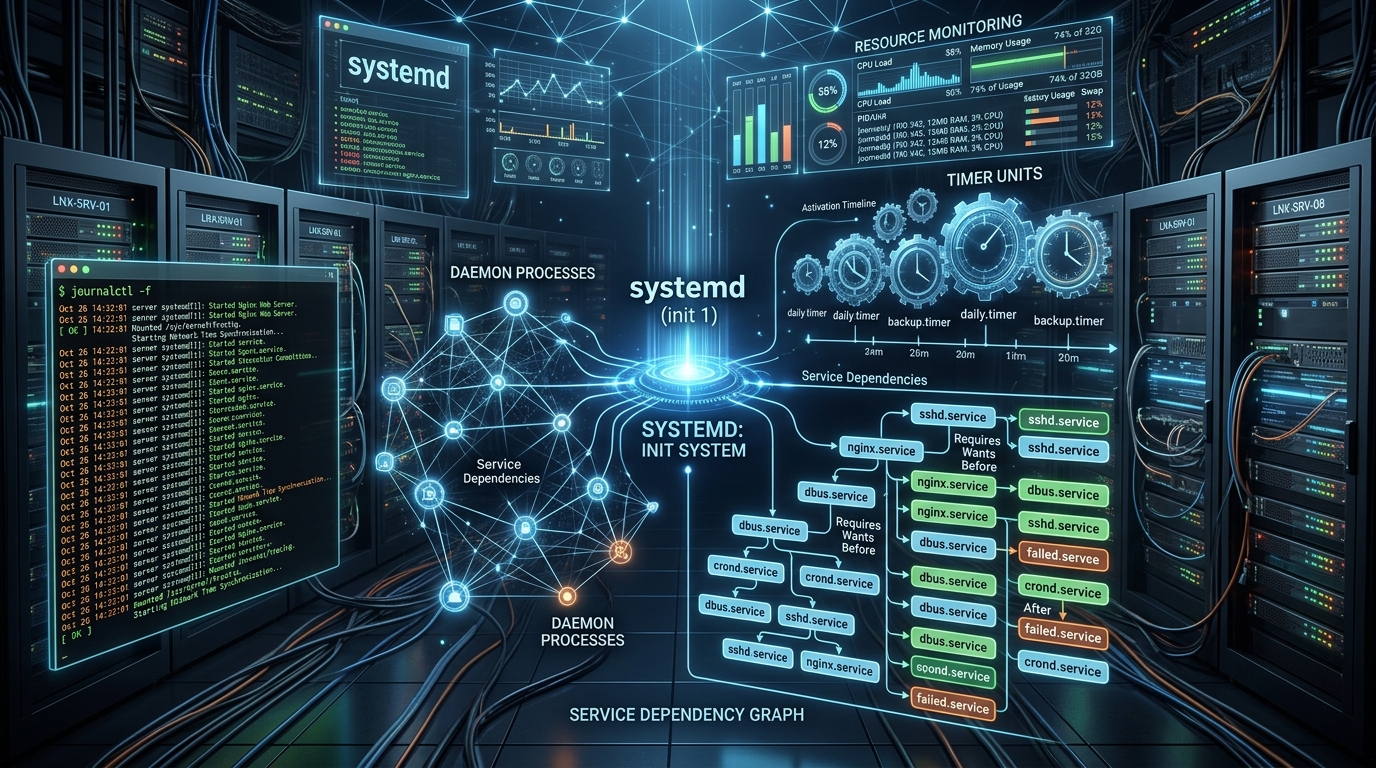
For decades, Cron has been the default tool for scheduling recurring tasks in Unix-like operating systems. However, in modern production environments, Cron exhibits severe limitations: it fails silently without structured logs, cannot automatically restart crashed processes, lacks memory and CPU cgroup limits, and provides zero observability into execution health.
Enter systemd—the standard init system and service manager for modern Linux distributions. With native .service and .timer units, systemd provides rock-solid process supervision, automatic restart policies, monotonic timer accuracy, and unified logging through journalctl.
In this hands-on guide, we explore why and how to replace brittle crontab entries with robust systemd services and timers for Laravel queues, backup scripts, and automated maintenance workflows.
Why systemd Timers Outperform Cron in Production
| Capability | Legacy Cron (crontab) |
Modern systemd.timer |
|---|---|---|
| Logging & Observability | Relies on local mail spool or discarded stdout/stderr redirects. | Integrated structured logging via journalctl with timestamps, exit codes, and PIDs. |
| Process Isolation & Limits | None. A rogue script can consume 100% CPU and exhaust server RAM. | Strict cgroups isolation: MemoryMax=512M, CPUQuota=80%. |
| Missed Run Catch-up | If the server was rebooting or down at 03:00, the job is permanently missed. | Persistent=true automatically triggers missed jobs immediately upon boot. |
| Dependencies & Ordering | Executes blindly regardless of network or database readiness. | Declarative dependency chains (After=network-online.target mysql.service). |
1. Managing Continuous Background Daemons (Laravel Queue Workers)
Instead of relying on third-party process managers (like Supervisord), systemd can supervise your Laravel queue workers natively with multi-core templating.
Step 1: Create a Parameterized Service Template
Create /etc/systemd/system/[email protected]:
[Unit]
Description=Laravel Queue Worker #%i
After=network.target mysql.service redis-server.service
Requires=redis-server.service

[Service]
Type=simple
User=www-data
Group=www-data
WorkingDirectory=/var/www/sejan.dev
ExecStart=/usr/bin/php /var/www/sejan.dev/artisan queue:work redis --sleep=3 --tries=3 --max-time=3600 --memory=256
Restart=always
RestartSec=5s
KillMode=mixed
TimeoutStopSec=30s

# Security & Resource Hardening
MemoryMax=512M
CPUQuota=90%
PrivateTmp=true
ProtectSystem=full

[Install]
WantedBy=multi-user.target
Step 2: Enable & Scale Multiple Worker Instances
# Reload systemd manager configuration
sudo systemctl daemon-reload

# Enable and start 4 parallel worker processes (instances 1 through 4)
sudo systemctl enable --now laravel-worker@{1..4}.service

# Inspect running worker statuses
sudo systemctl status [email protected]
2. Creating Scheduled Timers (Replacing Laravel's schedule:run)
To execute Laravel's scheduler (artisan schedule:run) every minute, we create a pair of files: a Service Unit (defining what to execute) and a Timer Unit (defining when to execute).
Step 1: The Service Unit (/etc/systemd/system/laravel-scheduler.service)
[Unit]
Description=Laravel Scheduled Tasks Runner
After=network.target

[Service]
Type=oneshot
User=www-data
Group=www-data
WorkingDirectory=/var/www/sejan.dev
ExecStart=/usr/bin/php /var/www/sejan.dev/artisan schedule:run
StandardOutput=journal
StandardError=journal
Step 2: The Timer Unit (/etc/systemd/system/laravel-scheduler.timer)
[Unit]
Description=Run Laravel Scheduled Tasks Every Minute

[Timer]
OnBootSec=1min
OnCalendar=*-*-* *:*:00
AccuracySec=1s
Persistent=true

[Install]
WantedBy=timers.target
Step 3: Activating the Timer
sudo systemctl daemon-reload
sudo systemctl enable --now laravel-scheduler.timer

# Verify active timer countdowns across the entire OS
sudo systemctl list-timers --all
3. Real-Time Observability & Debugging with journalctl
One of systemd's greatest strengths is centralized, tamper-resistant logging. You never have to hunt for custom /var/log/cron.log files again:
# 1. Follow live output from all queue workers in real-time
sudo journalctl -u "laravel-worker@*" -f

# 2. View scheduler logs since the last 2 hours
sudo journalctl -u laravel-scheduler.service --since "2 hours ago"

# 3. Filter strictly for errors and critical exceptions
sudo journalctl -u "laravel-worker@*" -p err..emerg -n 50
Production Best Practices Checklist
- ✓ Always set
TimeoutStopSec=30s: Gives active queue jobs sufficient time to complete gracefully before SIGKILL. - ✓ Use
Restart=alwayswithRestartSec=5s: Prevents crash-loop CPU throttling when external APIs or databases temporarily disconnect. - ✓ Run as unprivileged user (
User=www-data): Never run background workers or web tasks asroot. - ✓ Enable
Persistent=trueon critical timers: Ensures nightly backups and invoices execute immediately if the server was offline during the scheduled hour.
Conclusion
Transitioning from Cron to systemd elevates your server infrastructure from fragile scripts to an enterprise-grade, supervised platform. With built-in cgroups resource limiting, instant restart policies, and unified journal logs, systemd ensures your production background workloads run reliably with zero maintenance overhead.